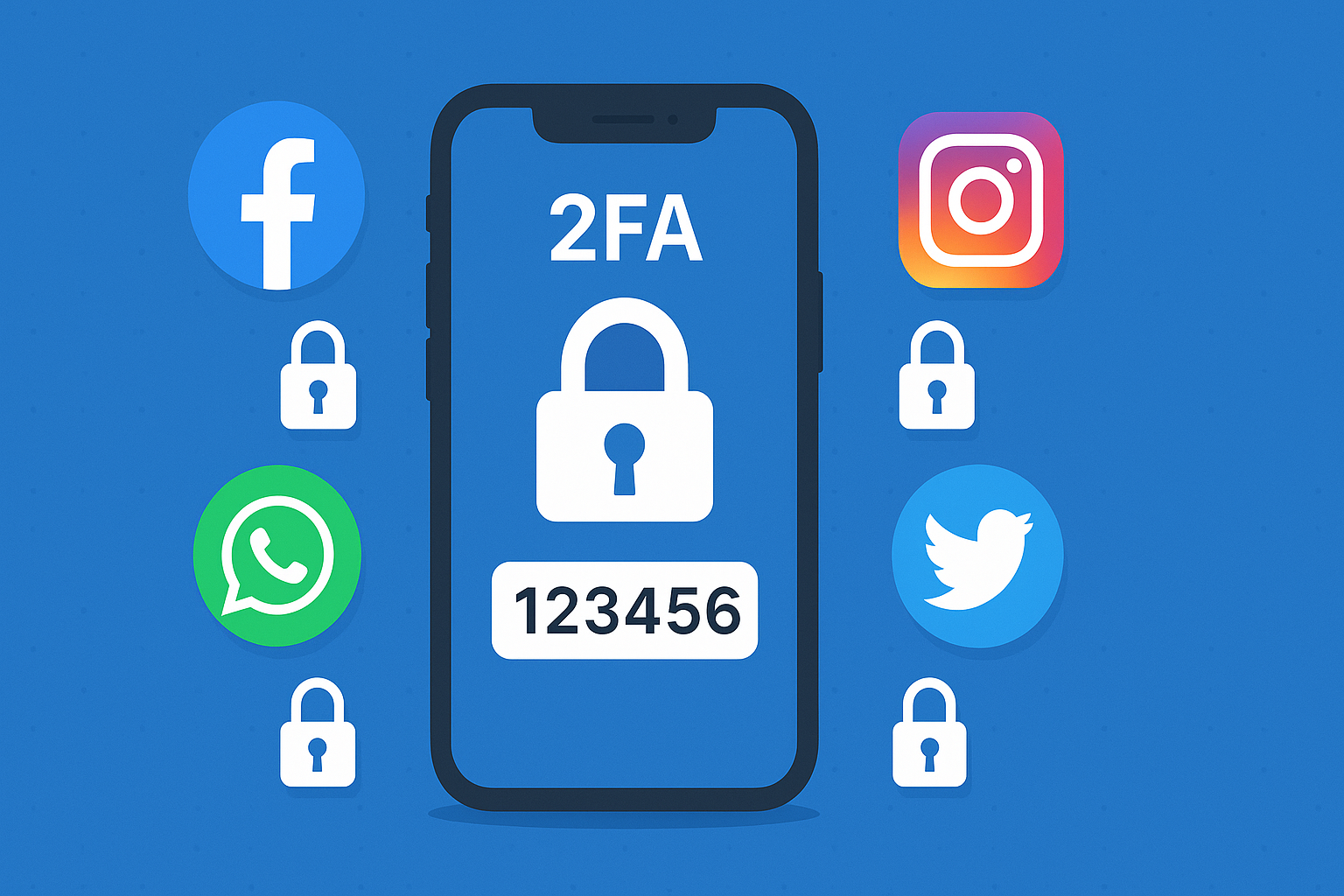
Why Account Security Matters More Than Ever
In 2025, social media plays a massive role in our daily – lives from personal communication to online business. Unfortunately, hackers are more advanced than ever, targeting accounts to steal data, impersonate users, and spread scams. Protecting your online identity isn’t just about privacy anymore; it’s about preventing financial and reputational damage.How to Protect Your Social Media Accounts from Hacking in 2025.
Common Hacking Methods to Watch Out For
Hackers use several tactics to gain access to social media accounts. The most common include:
- Phishing scams: Fake login pages or suspicious links designed to steal your credentials.
- Password reuse: Using the same password across multiple platforms.
- Malware attacks: Hidden software that captures keystrokes or steals saved passwords.
- Social engineering: Tricks that manipulate users into revealing private information.
Always stay cautious when clicking links or logging in to your accounts on unfamiliar devices.How to Protect Your Social Media Accounts from Hacking in 2025.
How to Enable Two-Factor Authentication (2FA)
Two-Factor Authentication adds an extra layer of protection by requiring both your password and a secondary verification step, such as a code sent to your phone.
- Go to Settings → Security and Login.
- Select Use two-factor authentication.
- Choose a method — either SMS or authentication app like Google Authenticator.
- Open Settings → Security → Two-Factor Authentication.
- Tap Get Started and choose your preferred method (SMS or app).
- Go to Settings → Account → Two-Step Verification.
- Tap Enable and set a 6-digit PIN for extra security.
Twitter / X
- Navigate to Settings → Security and Account Access → Security.
- Select Two-factor authentication and enable via SMS, app, or security key.
Tips for Creating Strong Passwords and Avoiding Phishing
- Use a unique password for every account.
- Combine uppercase, lowercase, numbers, and special characters.
- Avoid personal information like names or birthdates.
- Use a password manager to store your credentials securely.
- Never click suspicious links in messages or emails — even if they look official.
What to Do If Your Account Gets Hacked
If you suspect your account is compromised:
- Change your password immediately.
- Enable 2FA to prevent further access.
- Check your email for suspicious login alerts.
- Report the hack to the platform’s support team (e.g., Facebook Help Center).
- Scan your device for malware or spyware.
Quick action can minimize the damage and help recover your account faster.
FAQ Section
Q1: Can I recover a hacked Facebook account?
Yes. Visit the Facebook Account Recovery page, confirm your identity, and follow the steps to reset your password. You may need to provide ID or email verification.
Q2: What is the safest password manager to use?
Trusted password managers like 1Password, Bitwarden, or LastPass use strong encryption to store your login details securely.
Q3: Should I use the same password for all apps?
Never. Reusing passwords increases the risk — if one account gets hacked, all your other accounts are vulnerable.
Conclusion
Protecting your social media accounts in 2025 requires smart habits, strong passwords, and two-factor authentication. With cyber threats on the rise, taking proactive steps today can save you from major security headaches tomorrow.
No Responses